


Power Query Hacks for Join and Assigning Data Types
🚀 Power Query Tip: When to Prefer Table.Join over Table.NestedJoin
👉 When your dimension table contains only one column other than the key column, or when you simply need all columns from the dimension table, you can skip the expand step entirely by using Table.Join.
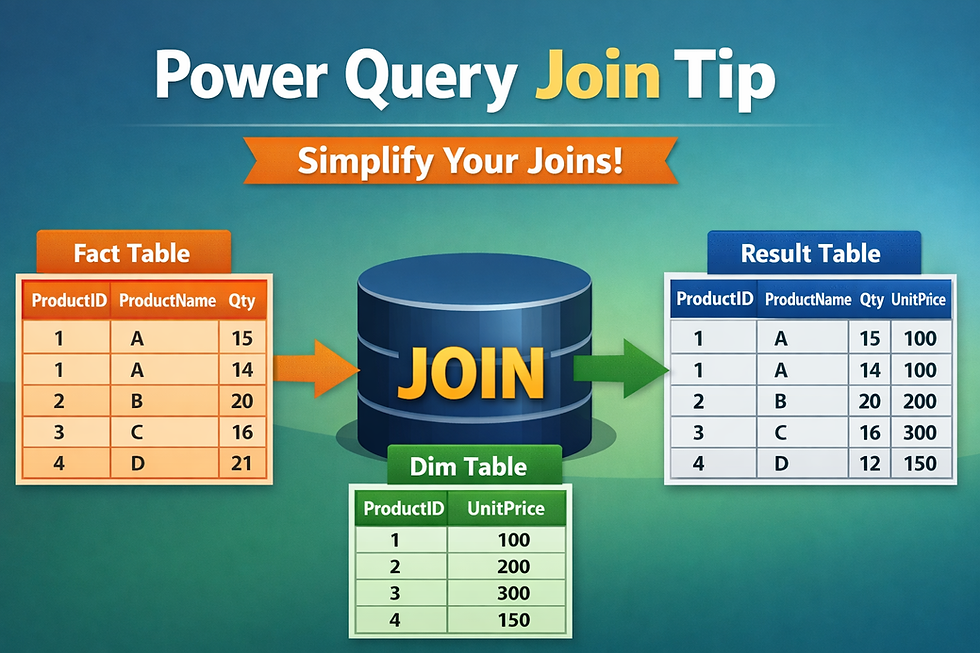
let
fx = each Excel.CurrentWorkbook(){[Name=_]}[Content],
Result = Table.Join(fx("f_Sales"),"Product ID",fx("d_Product"),"Product ID")
in
Result
Table.Join:
◘ Directly merges both tables.
◘ No need to expand nested columns.
◘ Perfect when you want all columns from the dimension table.
🔄 Power Query Tip: Preserve Schema with Value.Type
When we restructure data — for example, reshaping nested lists — we often need to rebuild the table. But how do we make sure the column names and data types stay intact?
That’s where Value.Type shines.

let
Source = Excel.CurrentWorkbook(){[Name="Table1"]}[Content],
ChType = Table.TransformColumnTypes(Source, {{"Year", Int64.Type}}),
Result = Table.FromRows(Table.ToRows(ChType), Value.Type(ChType))
in
Result
Table.ToRows → Converts the table into a list of lists (imagine we did some transformation).
Table.FromRows → Rebuilds the table from those lists.
Value.Type → Inherits the schema (column names + data types) from the original table.
✨ This makes your transformations more robust, especially when working with nested lists or custom reshaping logic.


Comments